Designing An Engaging User Experience for Each Client.
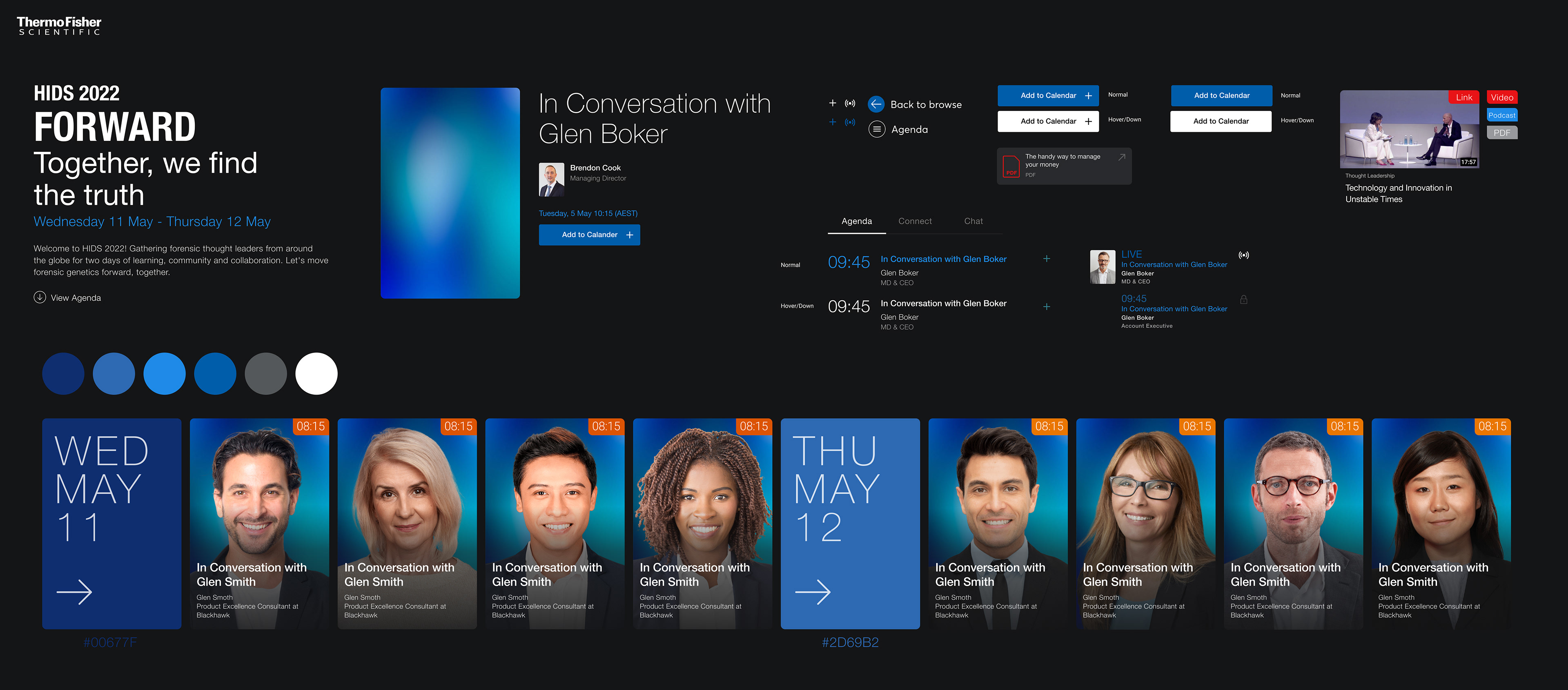
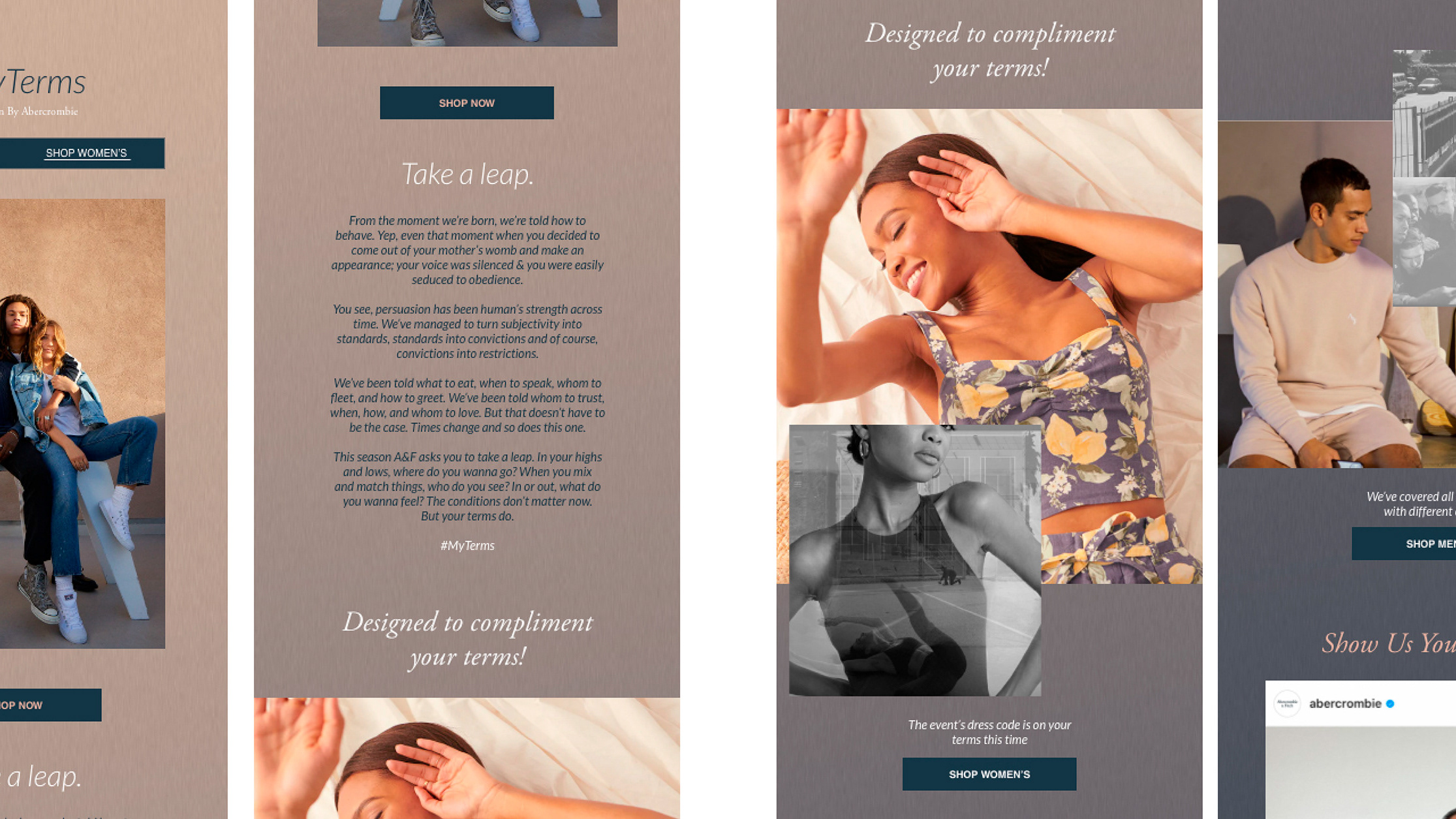
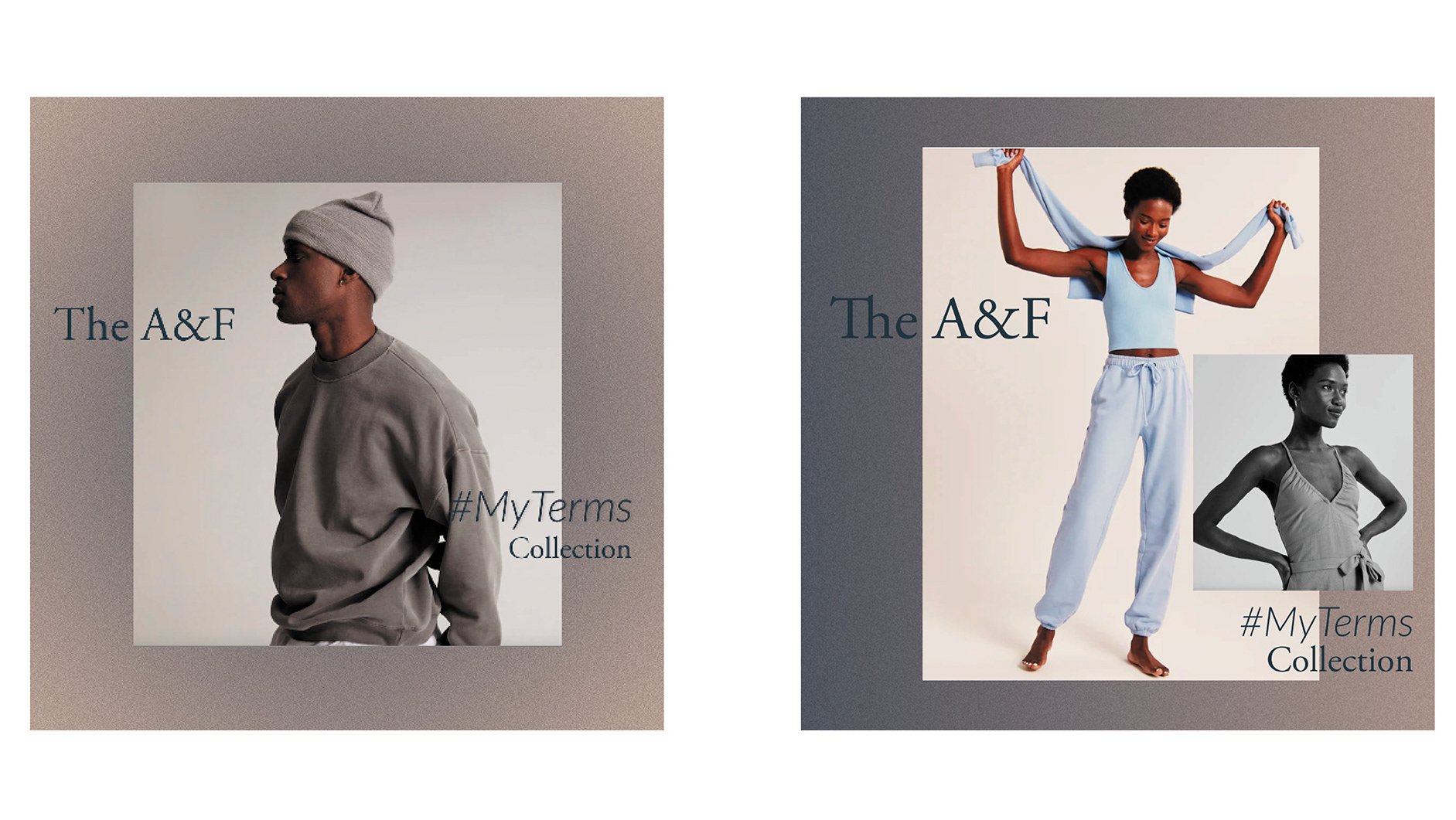
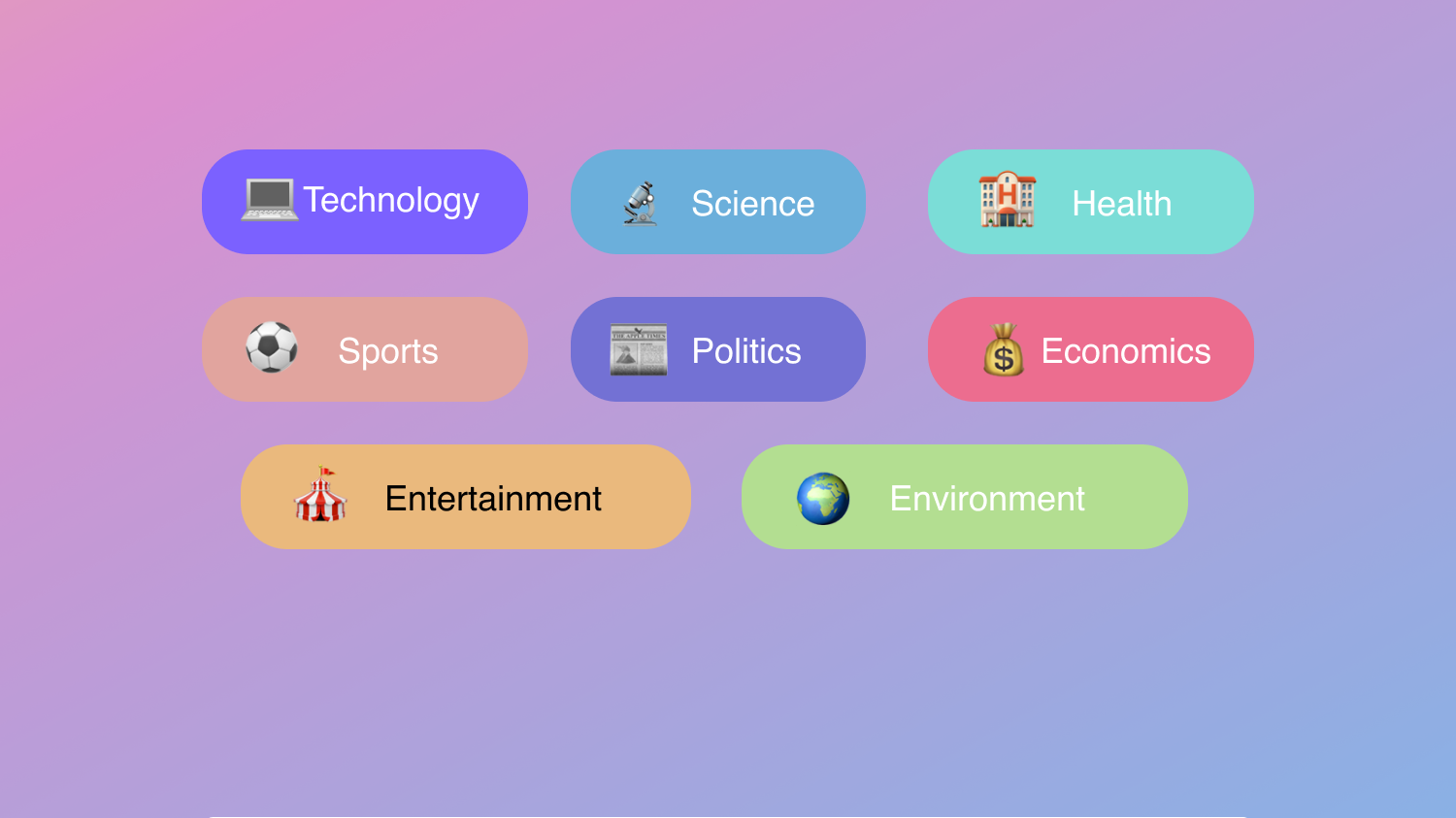
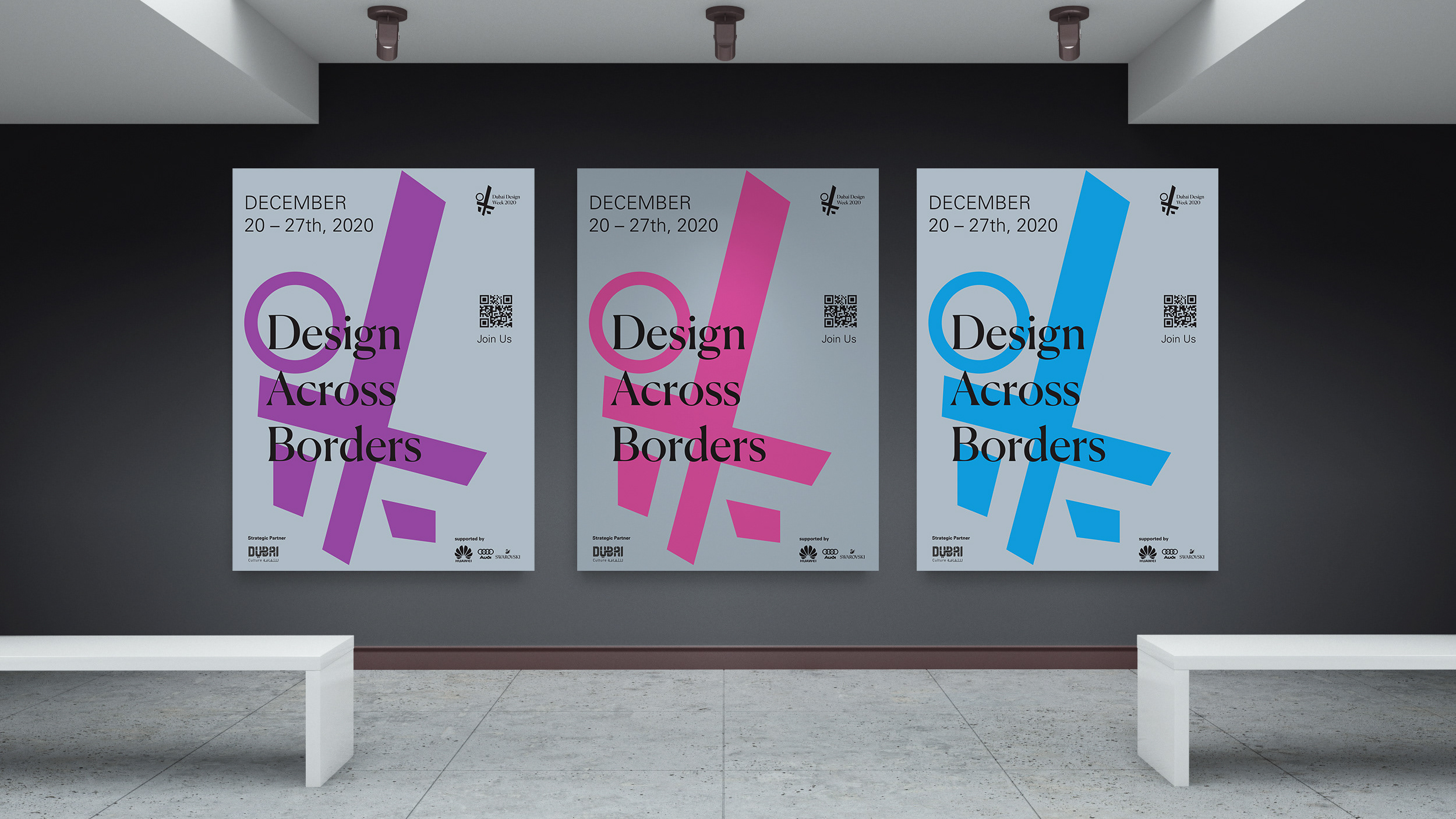
For each event, I would research the client's branding system and build the page design accordingly. My choice of colors, gradients, icons, visual collage, and structure is all stemmed from the overall feel and message demonstrated in the client's internal assets and branding system.
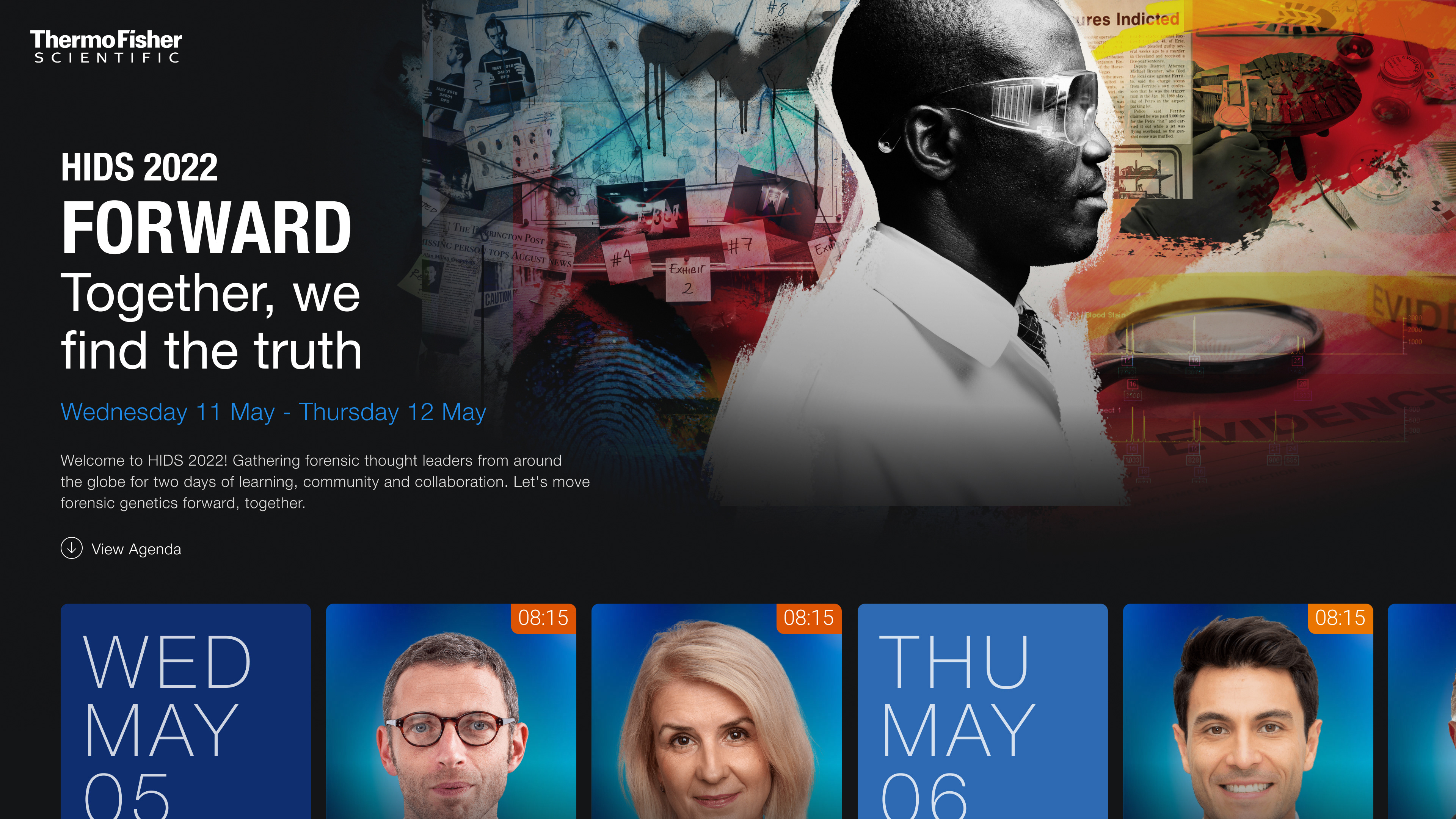
The image above is the mock-up created to show the client how their page would look like with all of the assets (edited speaker head shots. speaker background, main page background image & video, etc) are uploaded to the platform and ready to go live on the day of the event.
For each main page visual background, I've designed both a static and animated version of it. The platform holds multiple big files, for people experiencing slow internet that could lead certain assets to load slowly or not at all; thus, the static background image is backup - just in case the video background doesn't play or upload for the users.
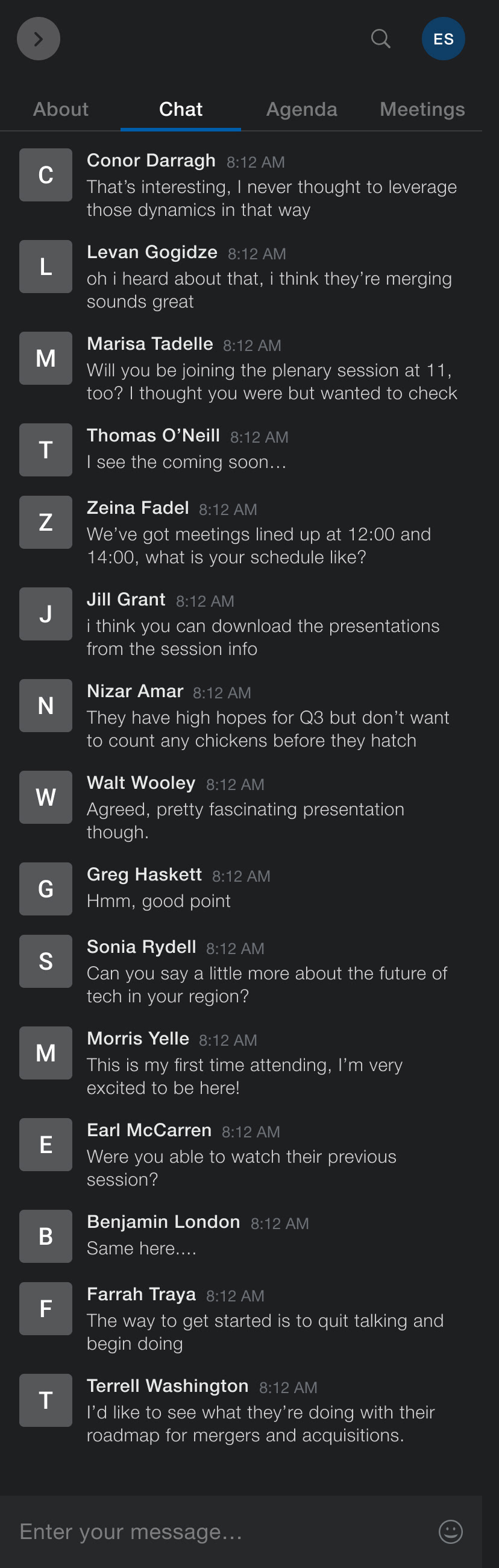
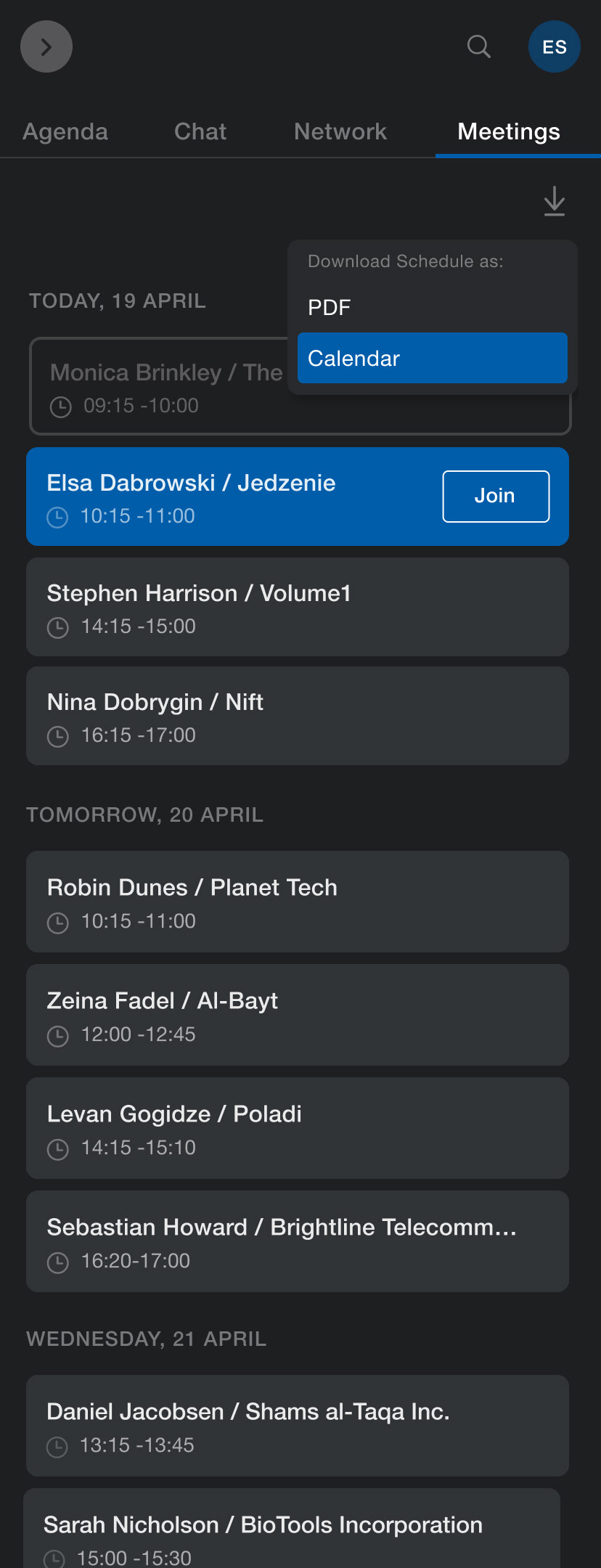
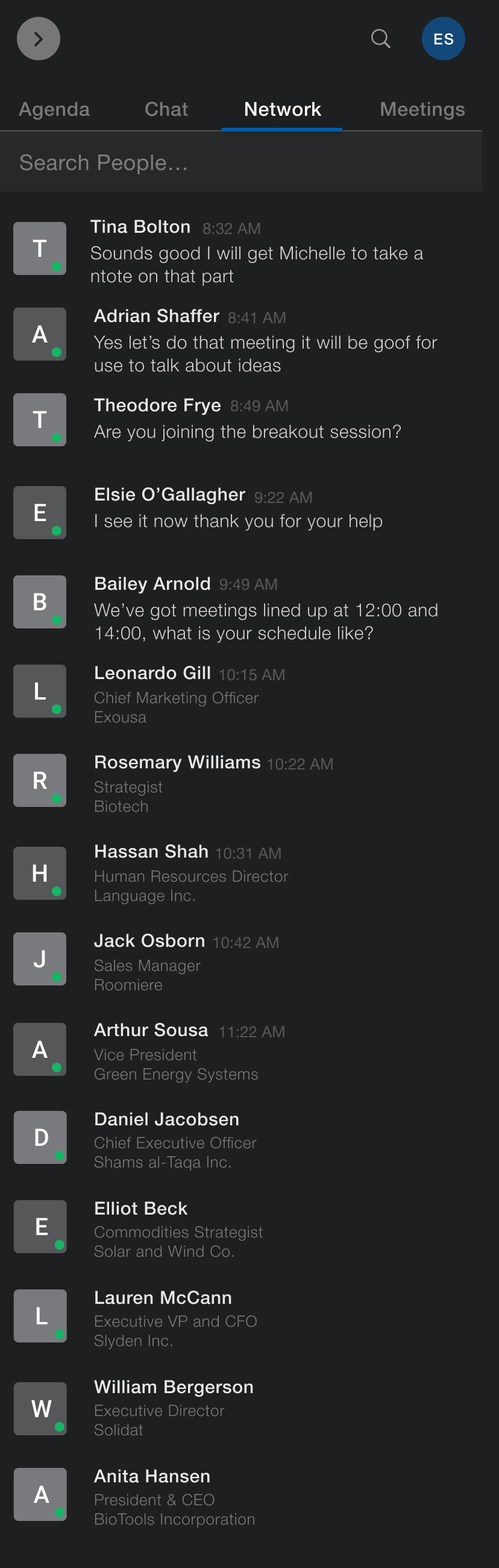
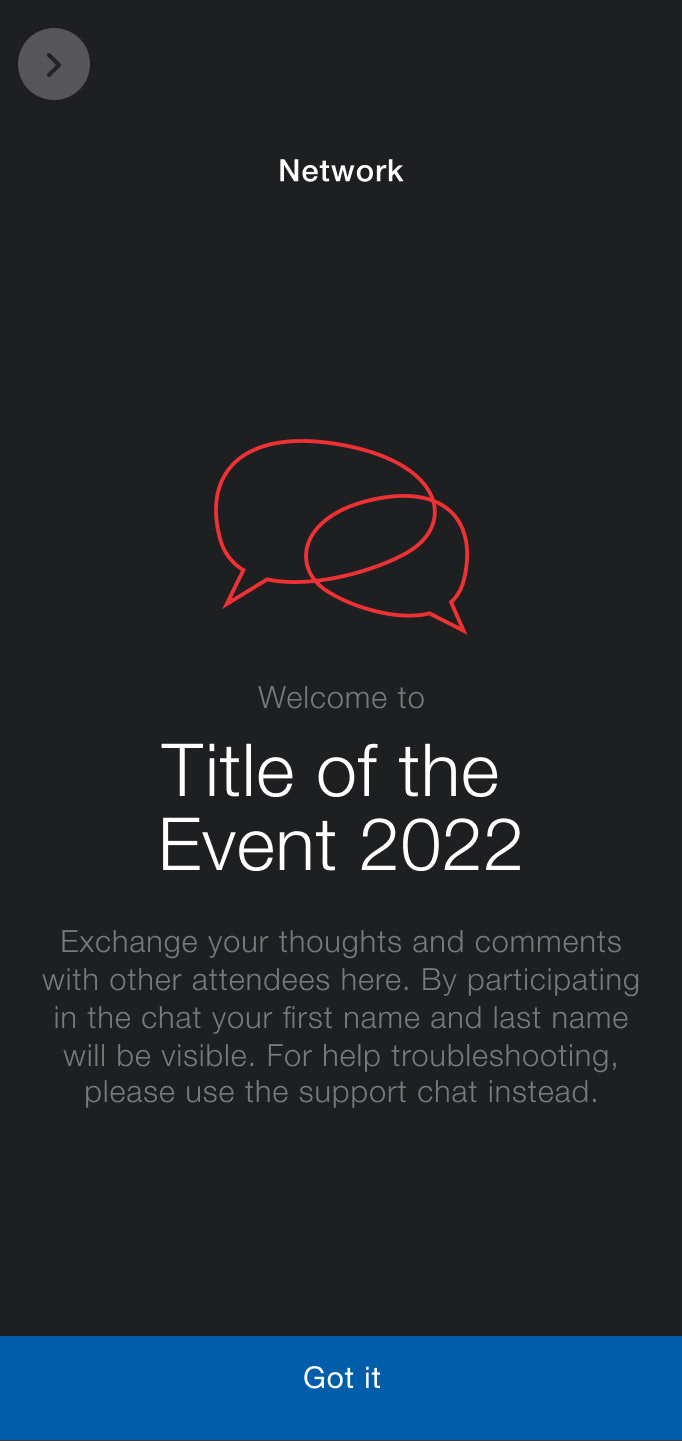
The final look of the virtual stage that I designed along with all the assets created.
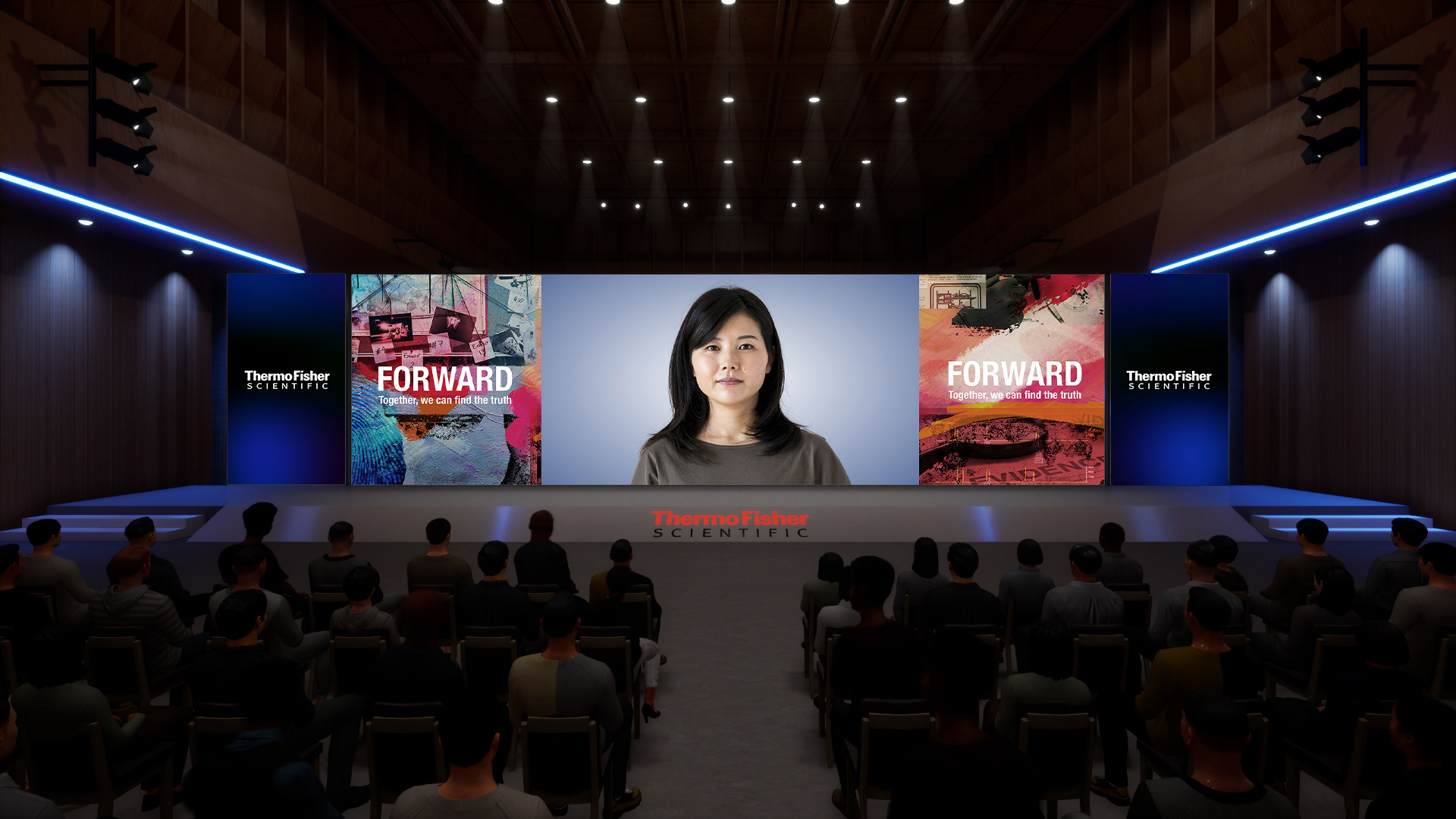
The image above along with the video on the left are how the virtual stage looked like. All banners, side panels, stage design, and screen assets were designed by me then sent over to the production team so that they can then integrate it and manage the lighting & camera movement from their end.
An overview of how the log in and langing page experience looks like